Smart & EV
Charging an EV or E-Bike at Home in Pakistan: What Your Wiring Actually Needs
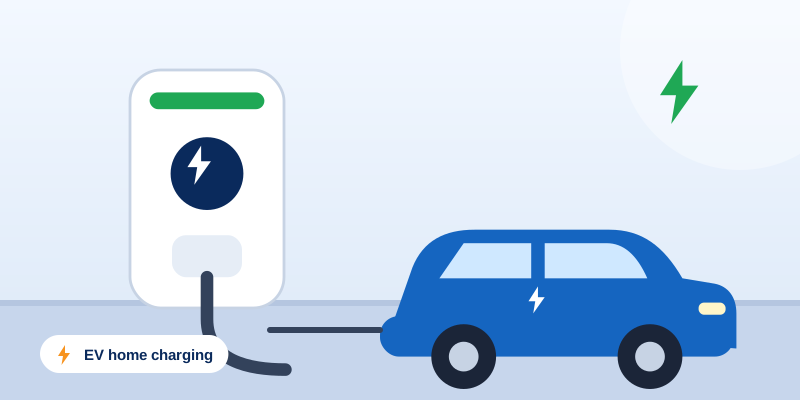
EV cars and e-bikes are arriving in Pakistan fast. Learn what a safe home charging point needs: dedicated circuit, protection, earthing and fire safety.
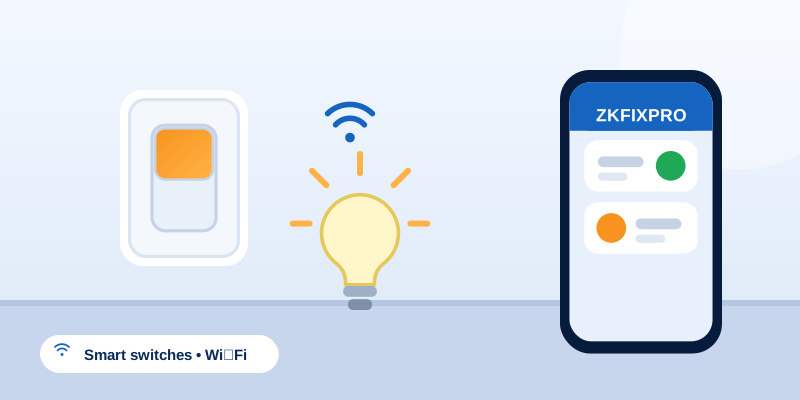
Smart switches look easy: unbox, install, control from your phone. In real Pakistani homes, a few wiring realities decide whether the upgrade works or turns into a headache.
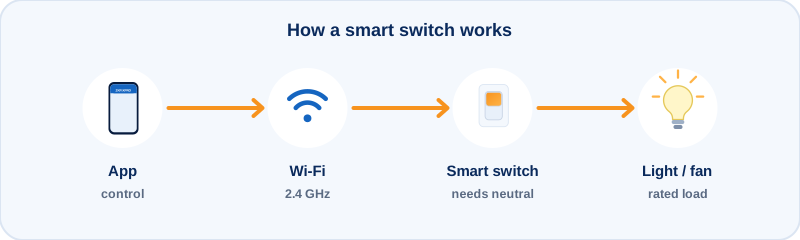
Tom's Guide notes that "several of the best smart switches still need a neutral wire to complete a given circuit and stay powered 24/7." Many Wi-Fi smart switches need a neutral wire in the switch box to power their own electronics. In many older homes the switch box carries only the live and the switched wire, with no neutral at all. Some "no-neutral" models exist, but they can flicker with very low-power LED loads.
Before you buy a set for the whole house, have an electrician open one or two boxes and check what is there. It takes minutes and avoids returns.
Message us your location and a photo of the problem. We will discuss the work needed and availability with you directly.
This guide is general information to help you understand common home service issues. Rules, tariffs and prices change, and every home is different. Electrical, gas and plumbing work should be carried out by a qualified person.
EV cars and e-bikes are arriving in Pakistan fast. Learn what a safe home charging point needs: dedicated circuit, protection, earthing and fire safety.
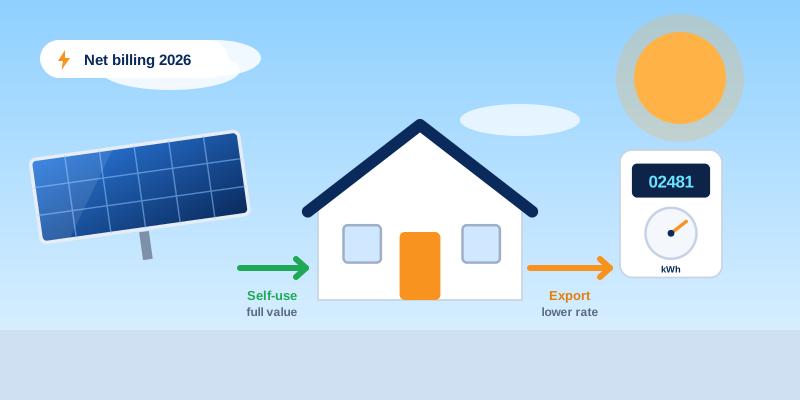
NEPRA's 2026 rules replaced net metering with net billing. What it means for rooftop solar owners in Islamabad and Rawalpindi, and the wiring that pays off.
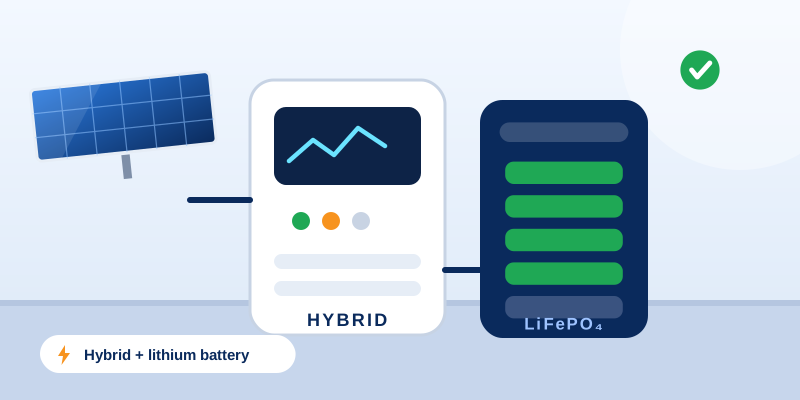
Hybrid inverters and LiFePO4 batteries are the 2026 upgrade. Check earthing, isolators, cables, ventilation and labelling before you pay an installer.